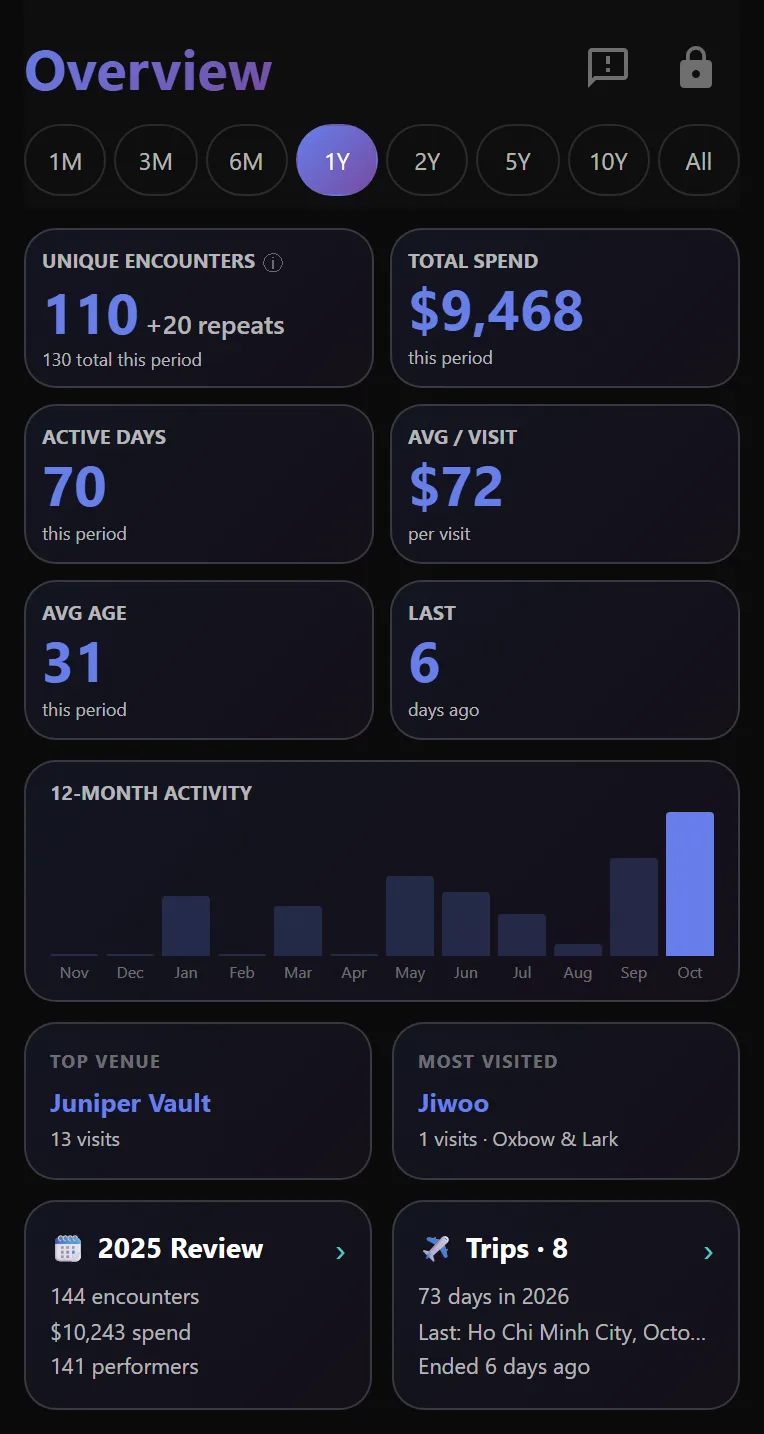
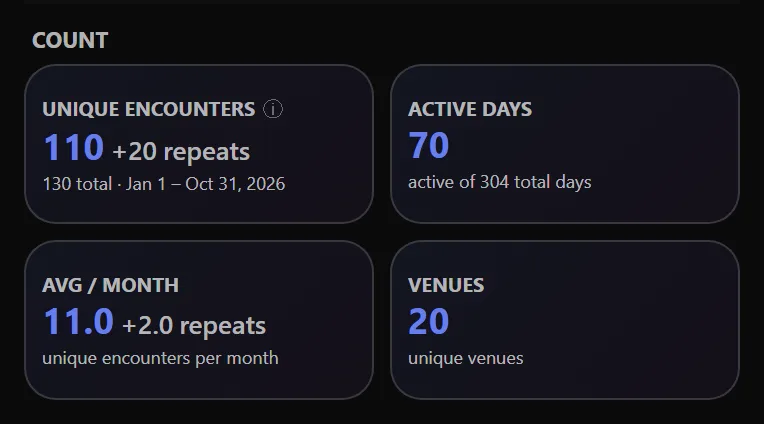
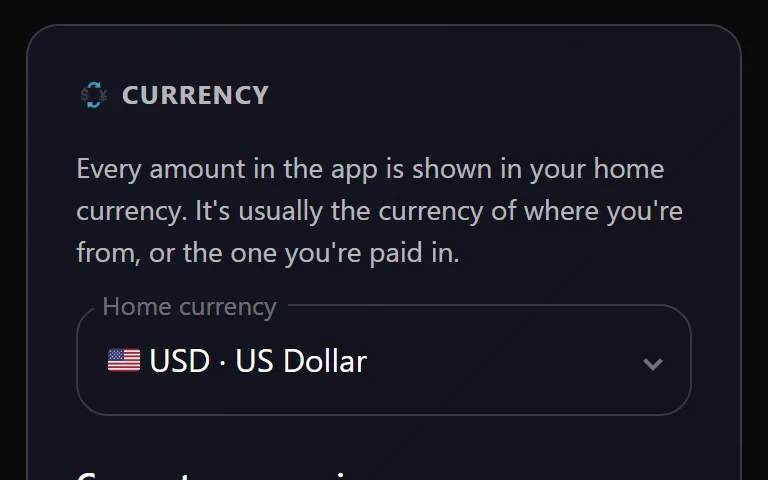
Install Notchcount on your phone or computer
Open Notchcount from your home screen or your dock, in a window of its own.
 Notchcount.app · October 2, 2026 · 1 min read
There is no app store listing for a sex tracker this private, and there does not need to be. Notchcount installs straight from your browser.
- On a phone, add it to your home screen and it opens full screen, like any other app.
- On a computer, install it from Chrome, Edge or Safari and it opens in its own window from the dock or the Start menu.
- The app offers it when it can. After a few unlocks the Dashboard offers to install, and Settings always has the button. See Install later from Settings.
The steps for each device are on Install the app.
In the app
Install from the unlock screenSee the steps in the manual →