 Notchcount
Everything Notchcount does
Every screen, step by step, with pictures from a computer and a phone. Find the answer you need, or see what the app can do before you join.
Getting started
Create your account
Sign up with an invite, confirm your email and choose the password that locks your records.
Save your recovery code
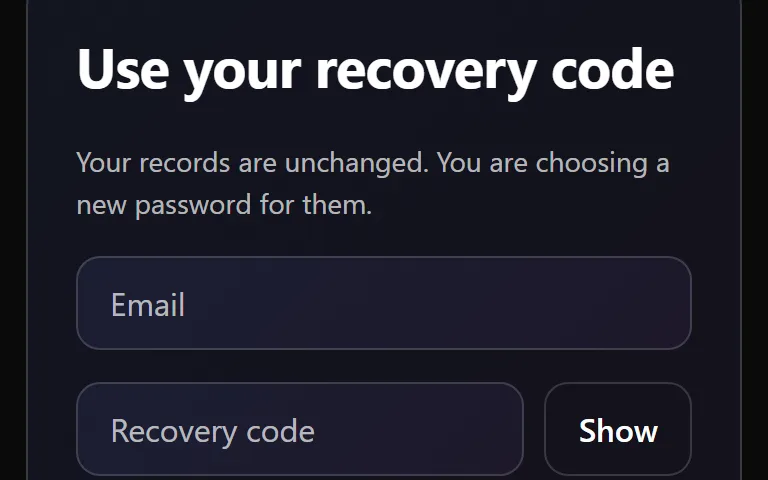
The one code that gets you back in if you forget your password. Save it once and keep it safe.
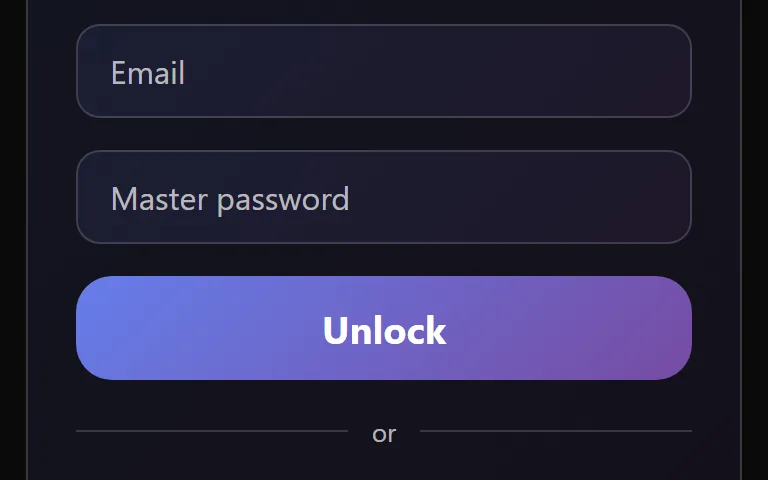
Unlock and lock
Open your records with your password, and close them again with one press.
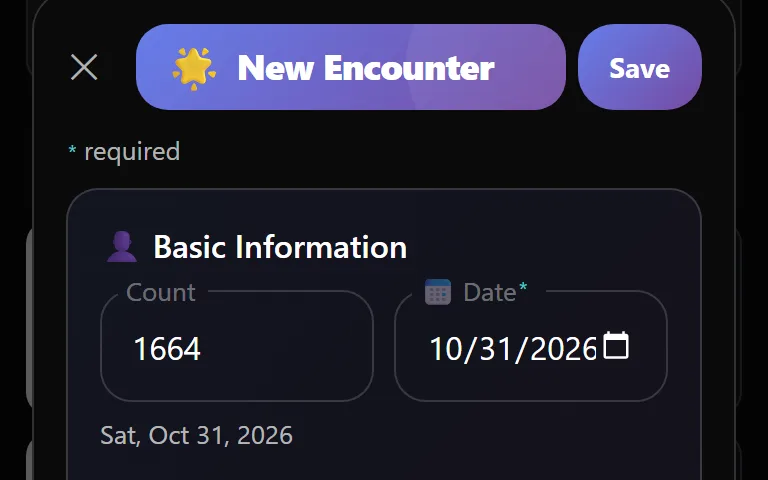
Add your first entry
Record your first encounter in a minute. A date and a venue are all it needs.
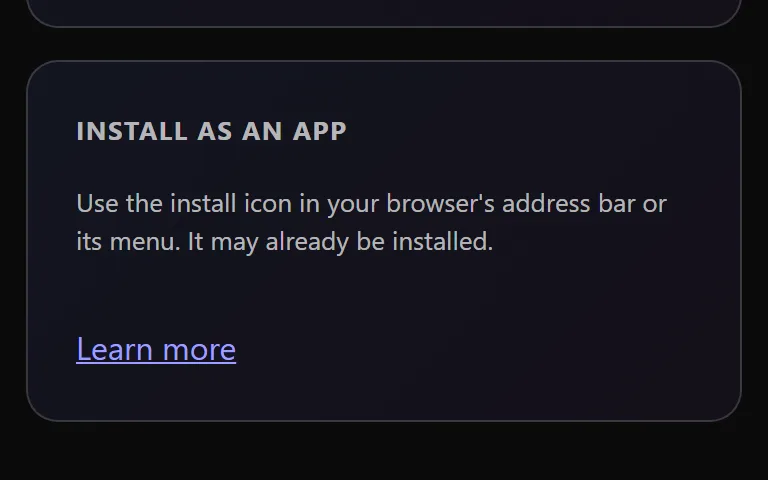
Install on your phone or computer
Open Notchcount from your home screen or dock, in a window of its own.
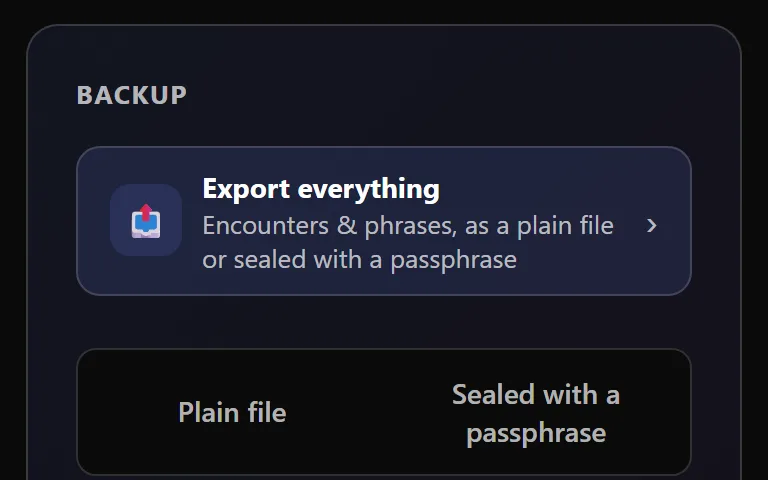
Make your first backup
Keep your own copy of every entry, in a file only you hold.
Using the app
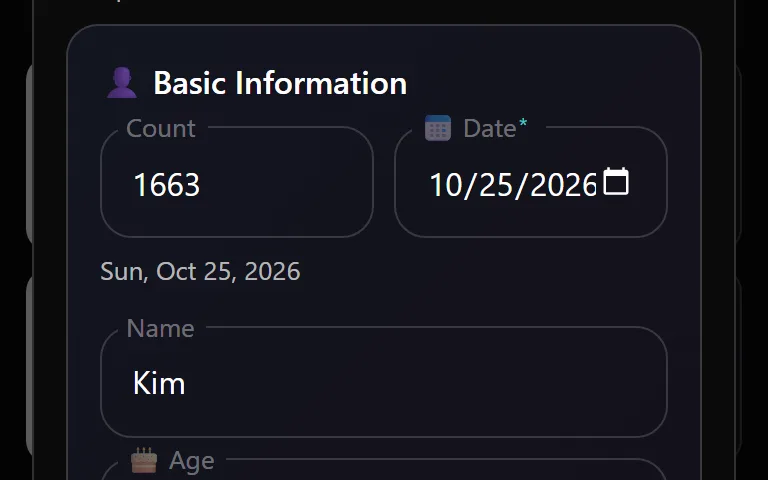
Entries
Add a visit in seconds, keep a wishlist of people to meet, and fix or remove anything later.
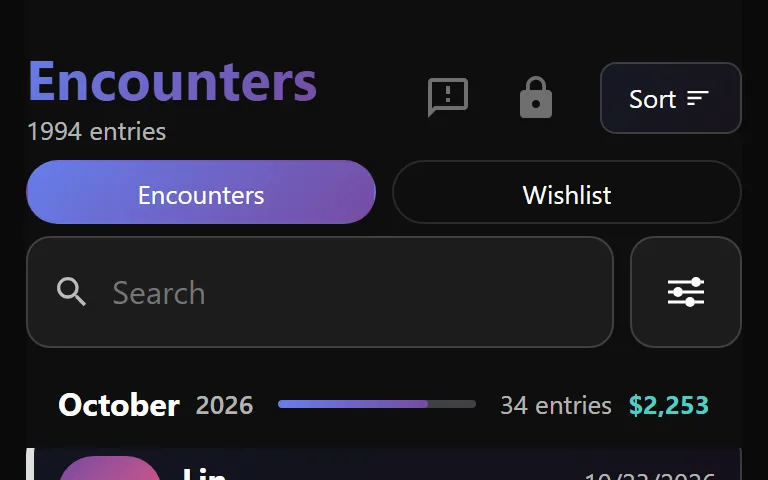
The List
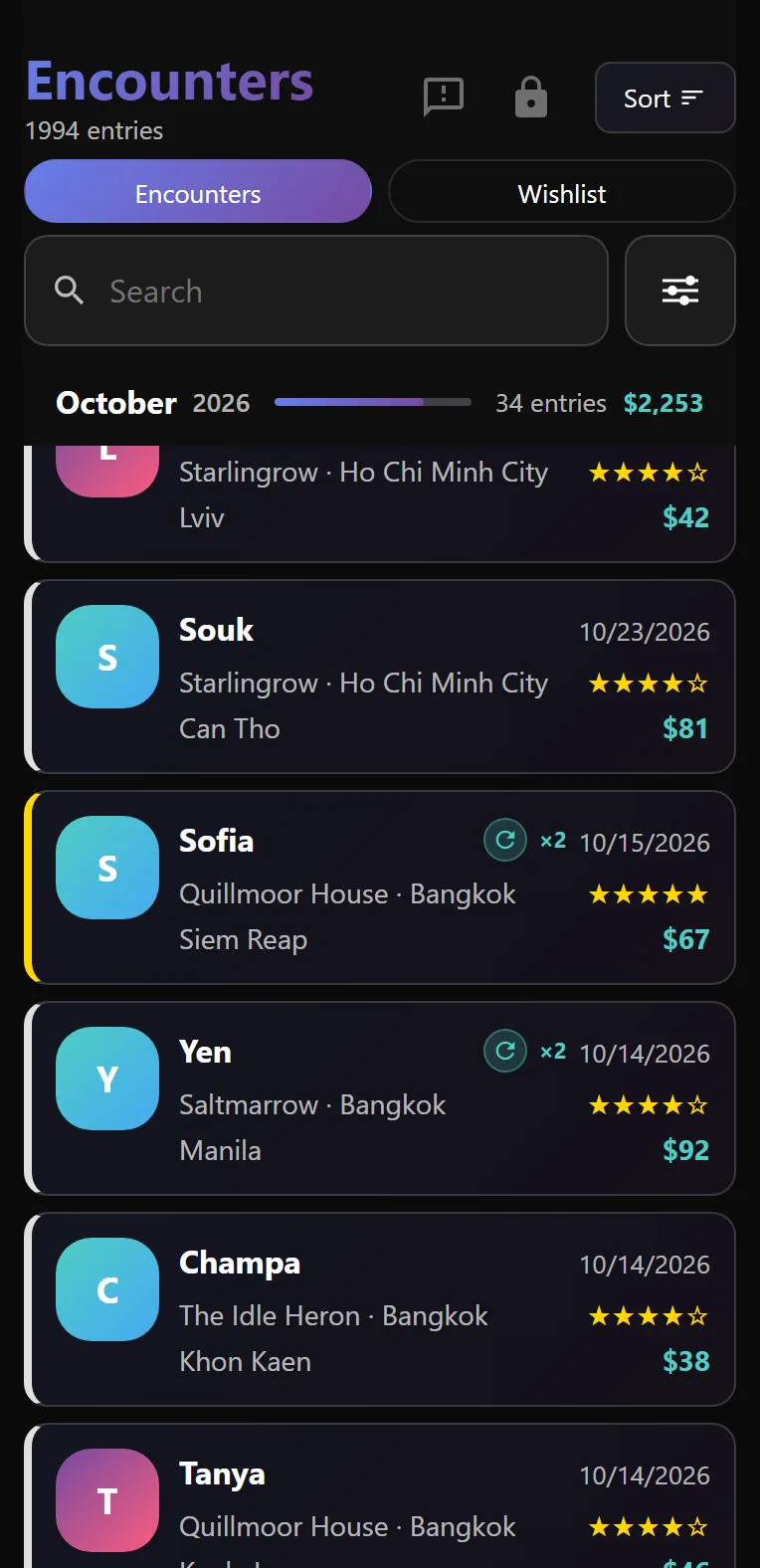
Every entry in one place. Search it, filter it and spot the people you see again.
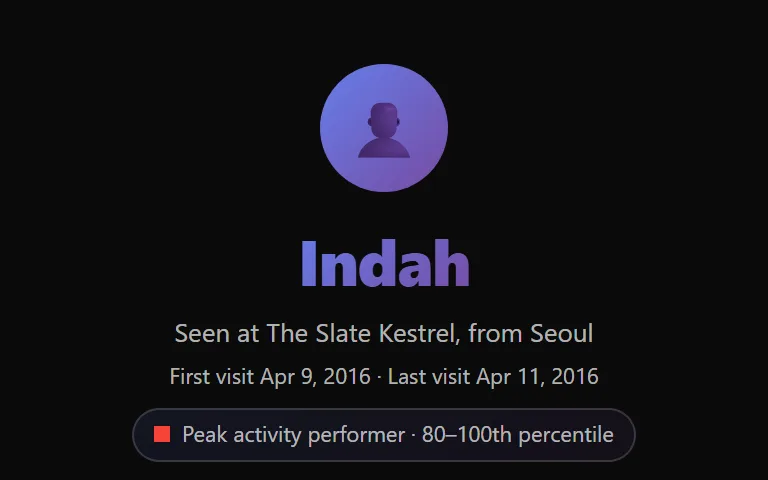
Profiles
A page for every person, venue, nationality, city and hometown, built from your own entries.
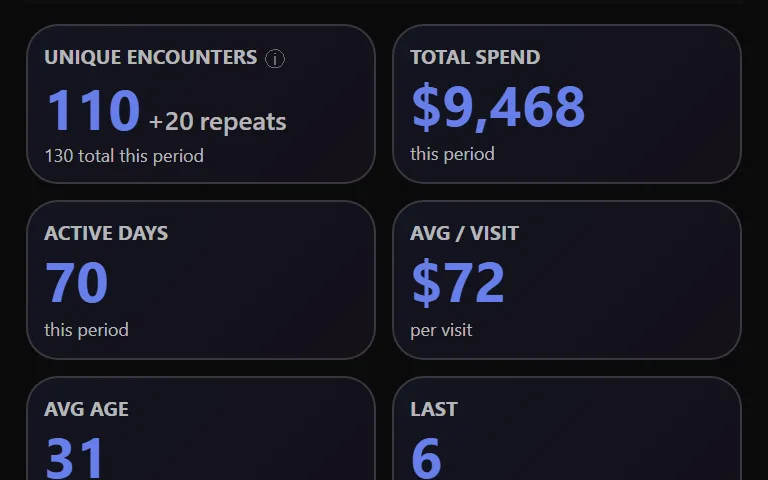
Dashboard
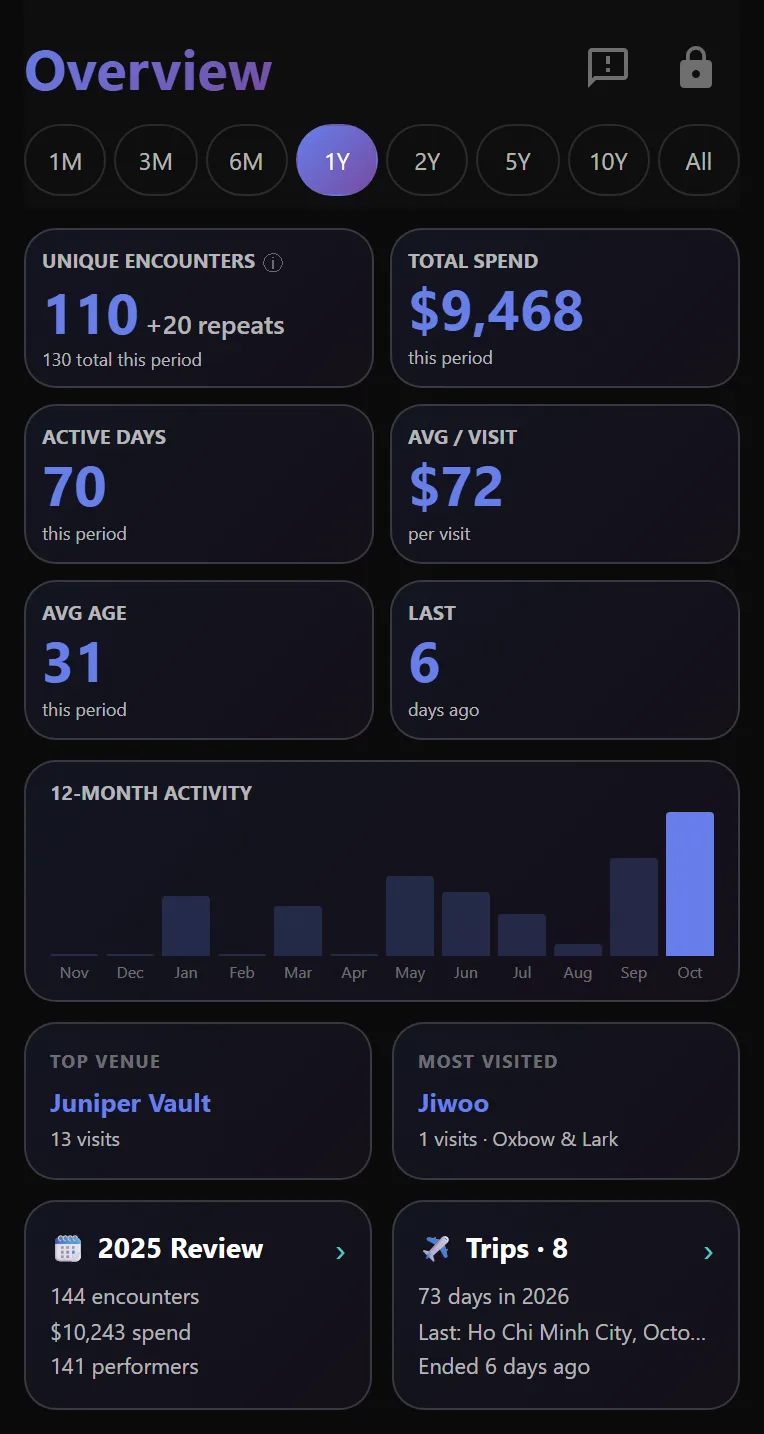
Your period at a glance. First meetings, spend, active days and your busiest months, the moment you unlock.
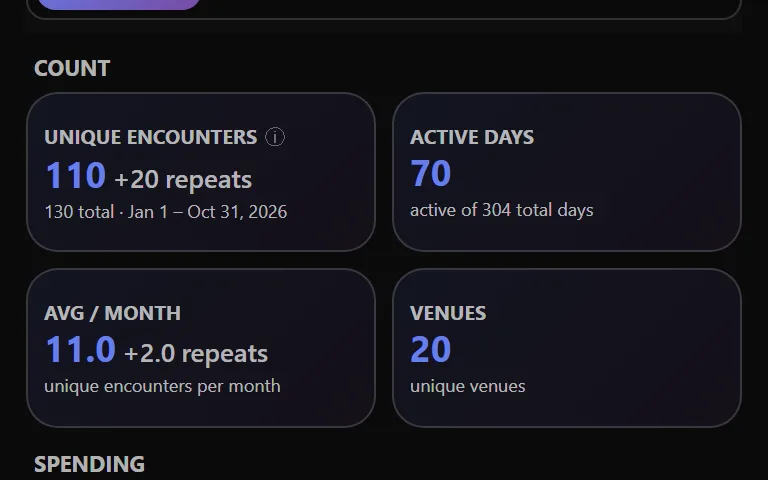
Stats
Every number behind your entries, for any range of dates. Spend, streaks, ages, places and more.
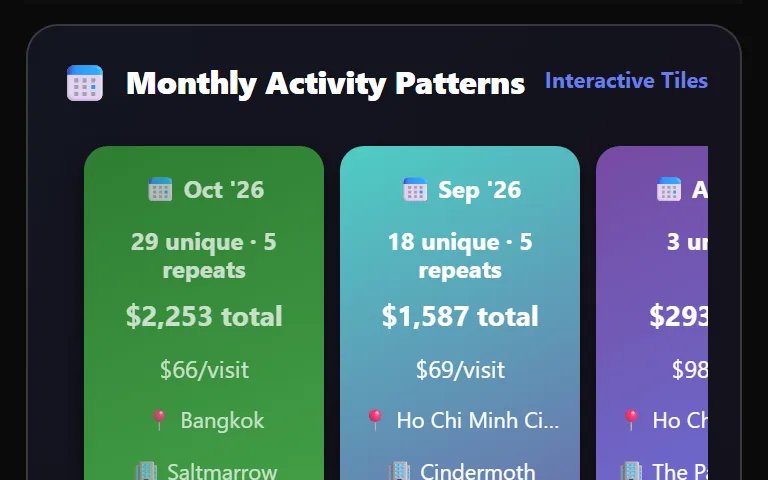
Charts
Your months, days and hours as heatmaps, bars and cards. Pick a square to see who was behind it.
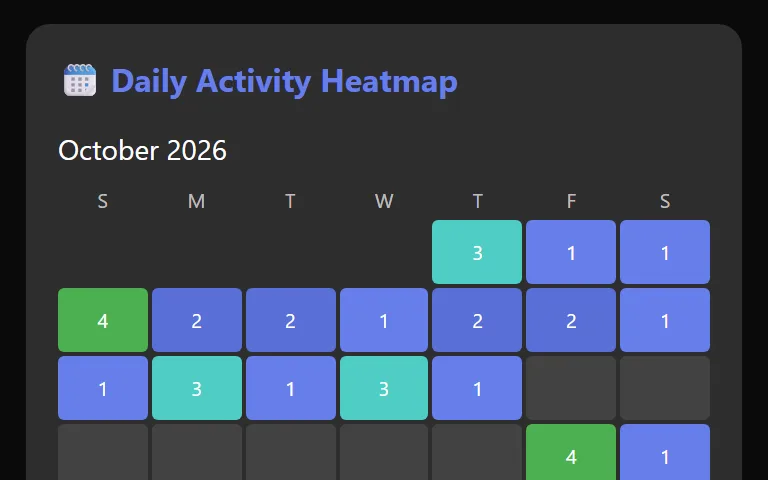
Monthly Breakdown
One month taken apart. Its days, its weeks, its places, its people and where the next month is heading.
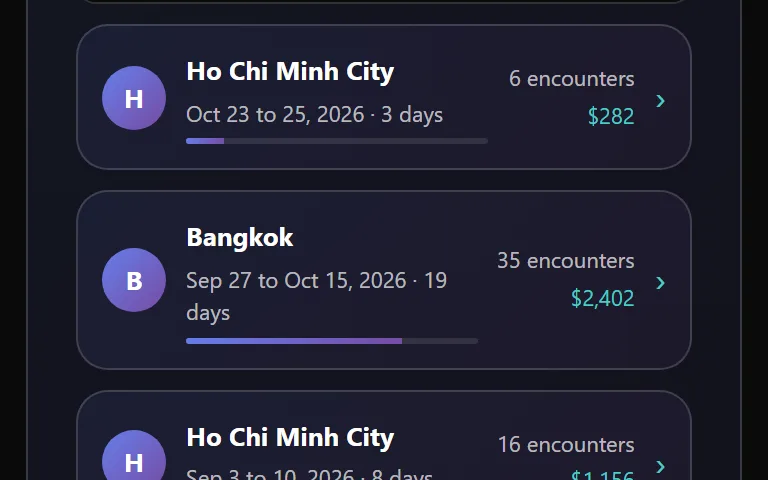
Trips
Your entries grouped into trips by themselves. See each one, rank them and put any two side by side.
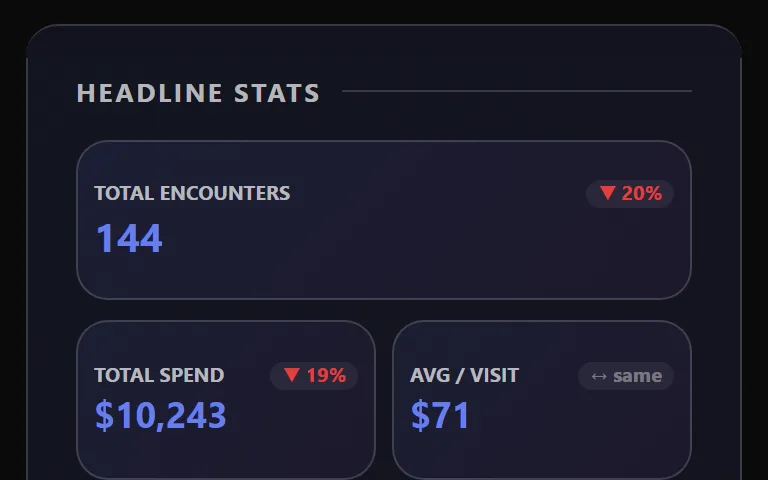
Year in Review
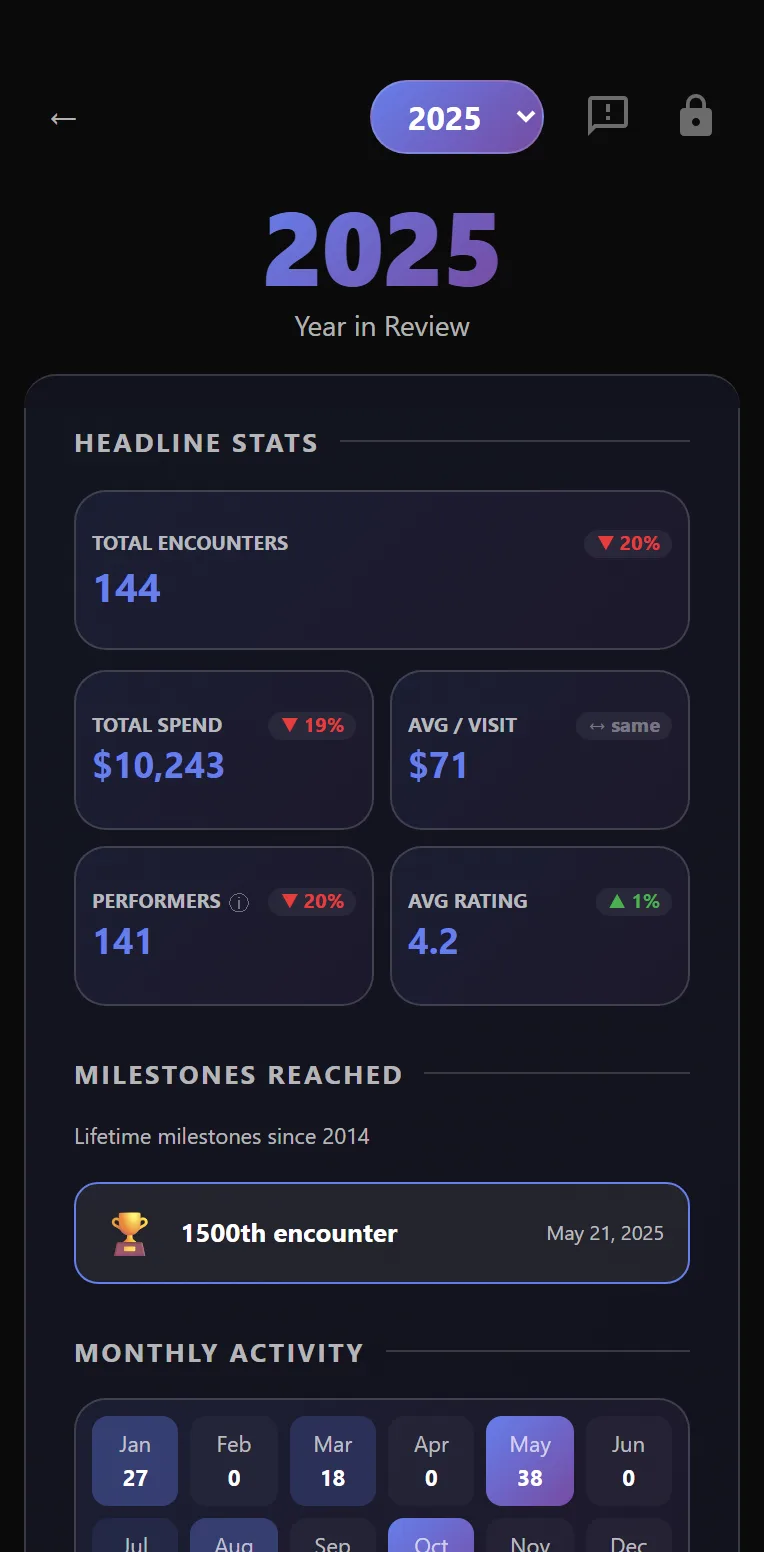
Your year told in one page. Headline numbers, milestones, records, streaks and your top places and people.
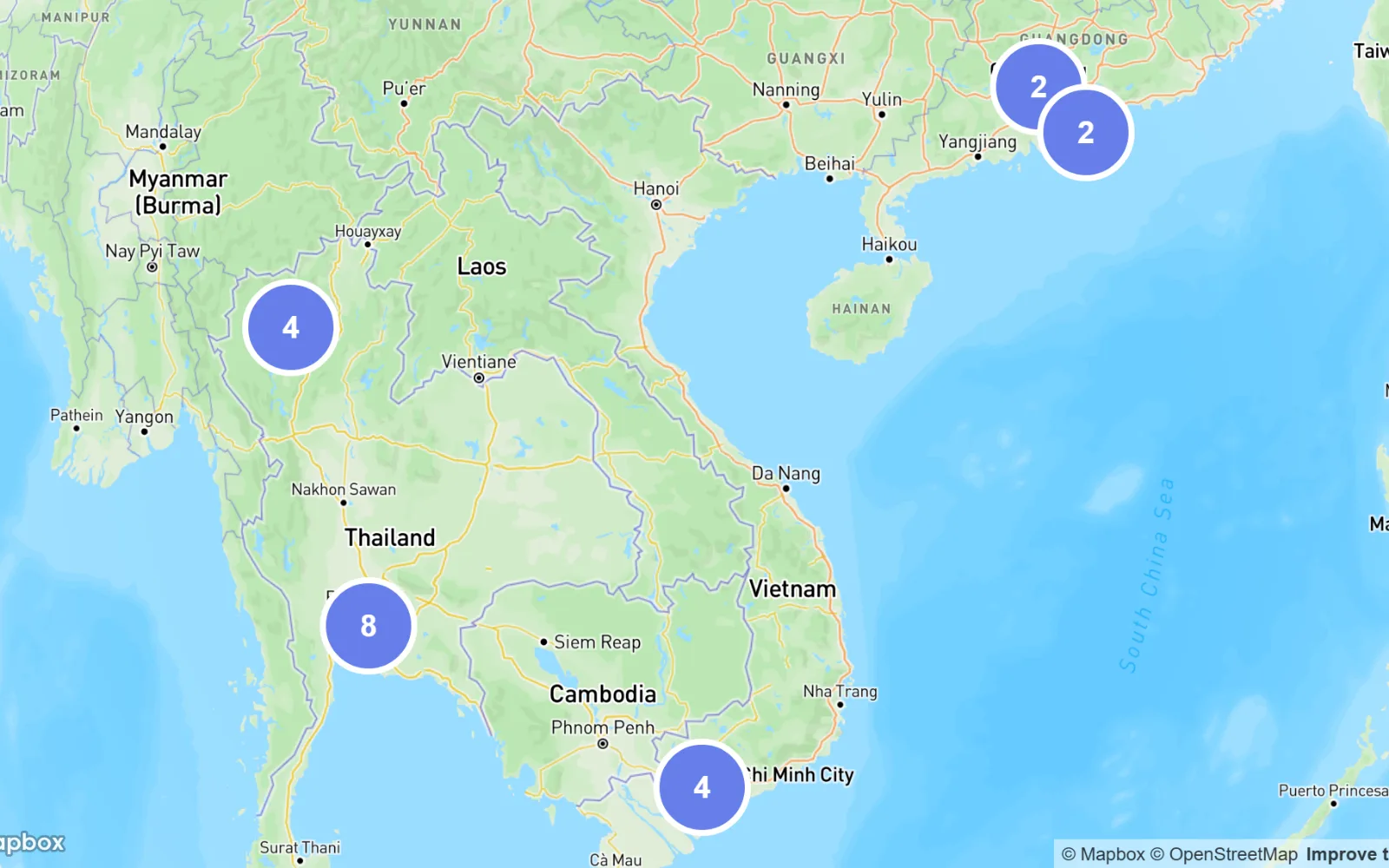
Maps
Every venue on a map, grouped as you zoom. Color the pins by visits or by cost.
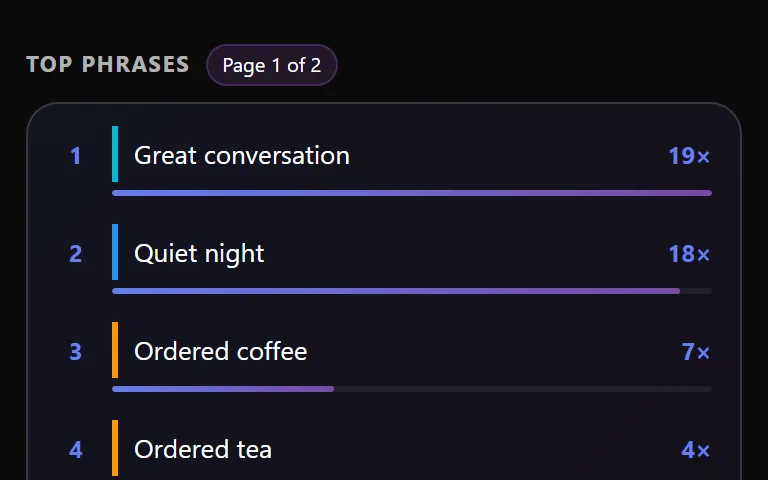
Phrase stats
See which Quick Phrases you use most, where you use them and which are on the rise.
Settings › Security
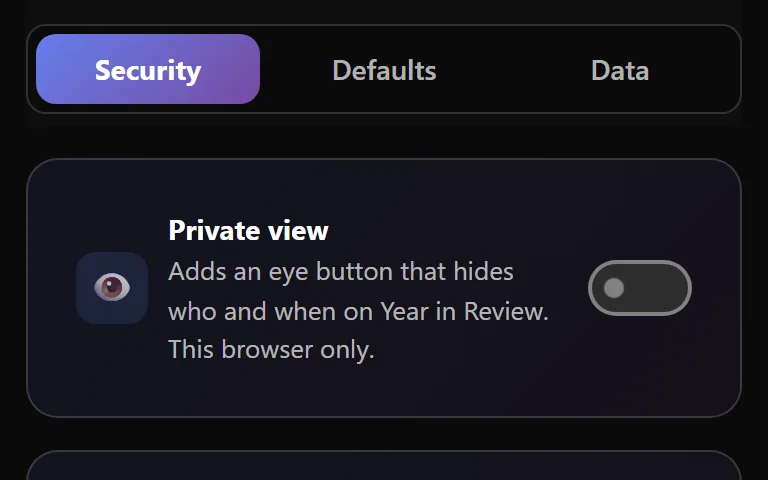
Private view
Hide who and when on Year in Review while someone else looks at your screen.
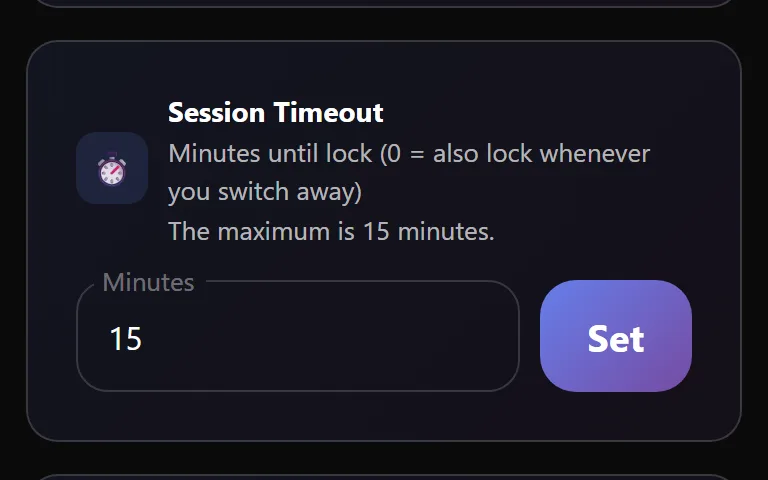
Session Timeout
Choose how soon the app locks itself when you leave it alone.
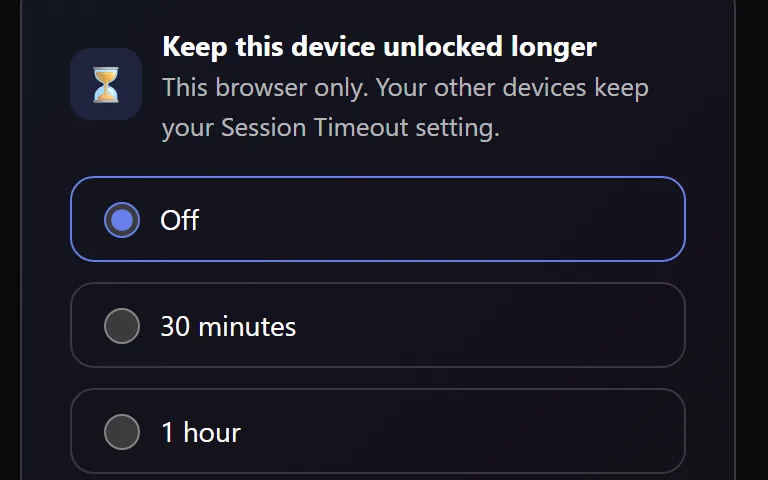
Keep this device unlocked longer
Give one device you alone use a longer lock, without loosening it anywhere else.
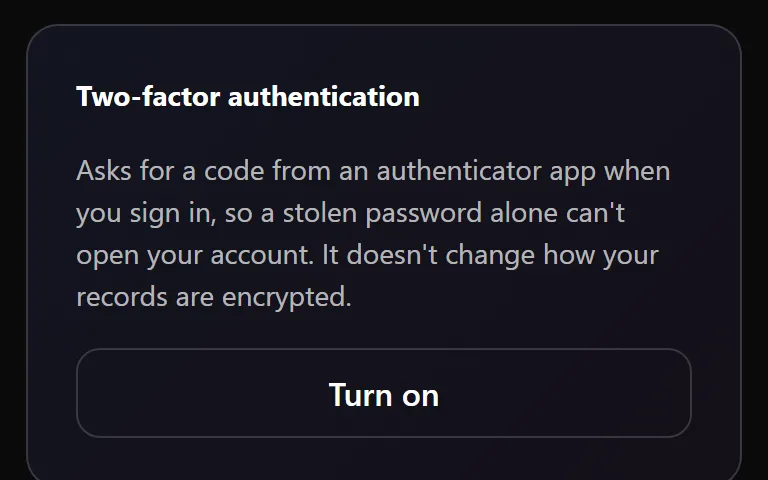
Two-factor sign-in
Ask for a code from your phone at sign-in, so a stolen password alone cannot get in.
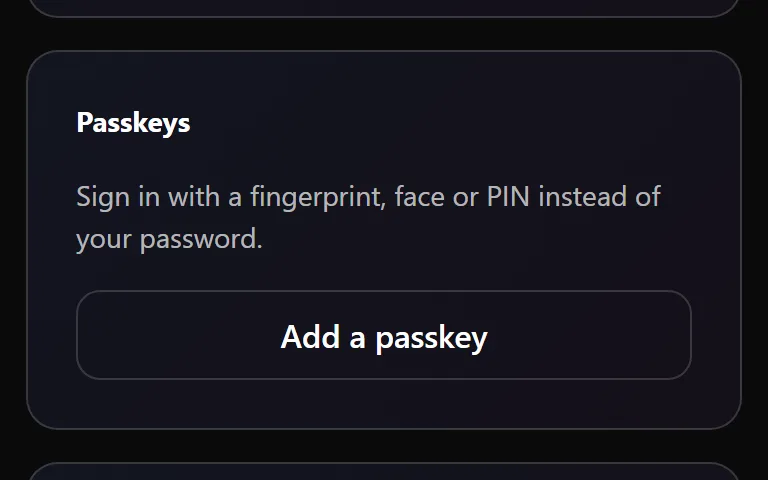
Passkeys
Unlock with your face, fingerprint or phone instead of typing your password.
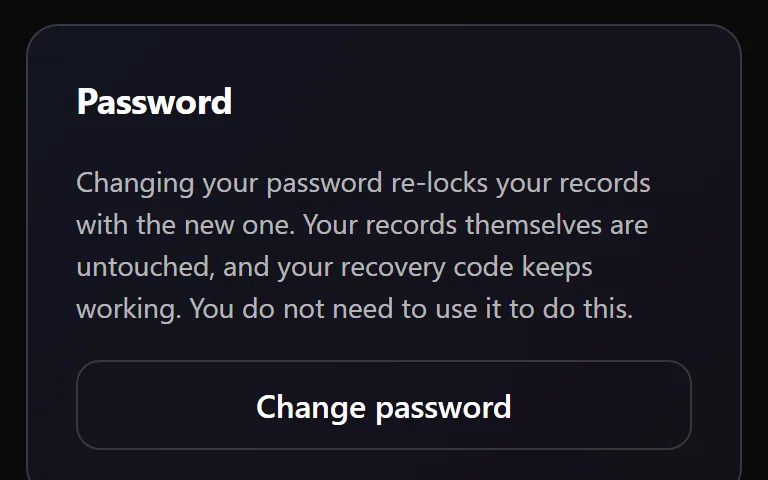
Your password
Change the password that unlocks your records, or replace every key at once if someone else may have it.
Security alerts by email
An email whenever a way into your account changes.
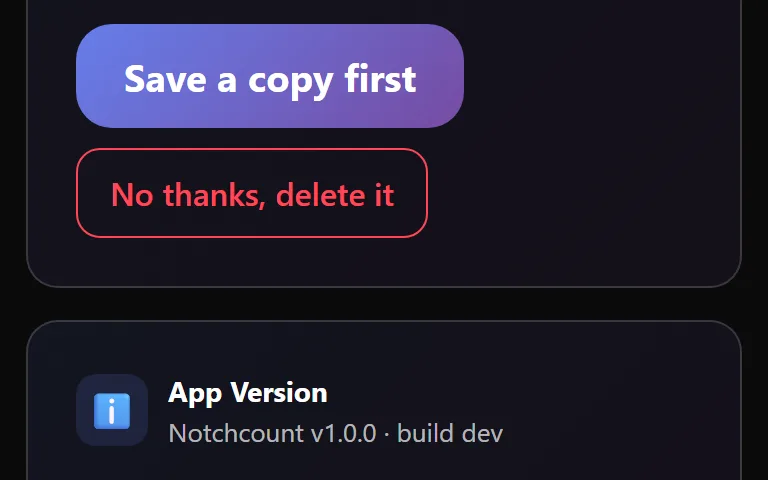
Delete your account
Close your account and remove every entry, after one last chance to save a copy.
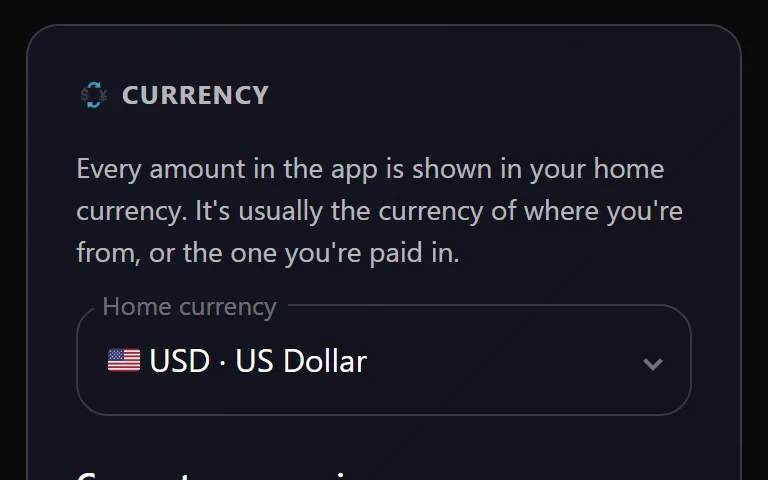
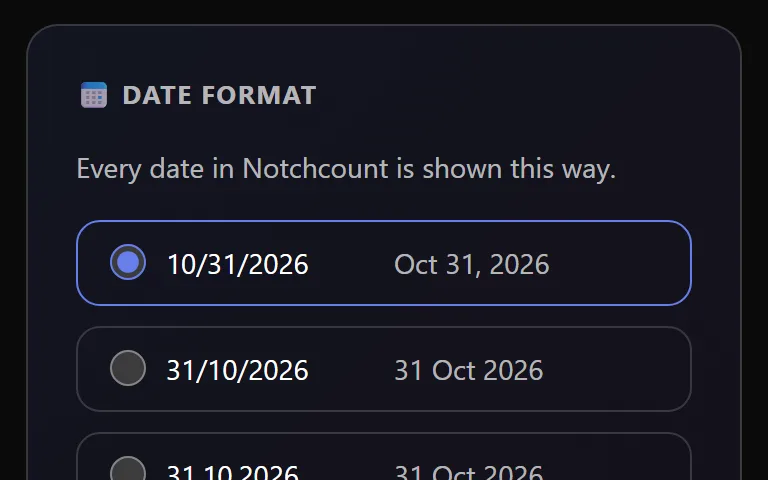
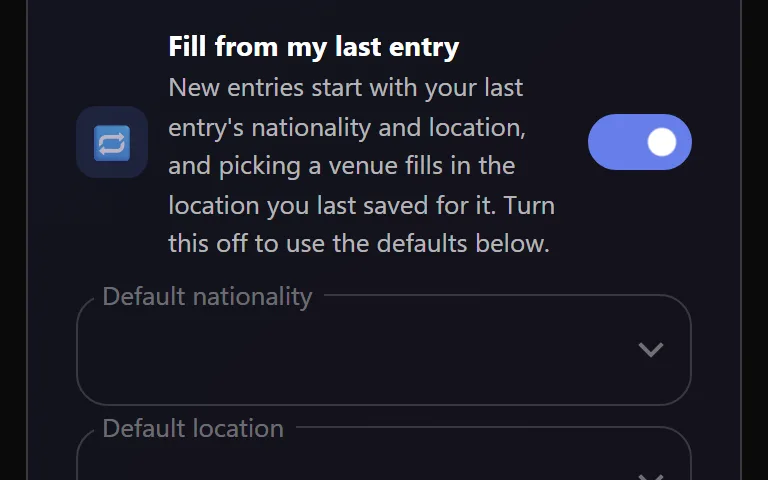
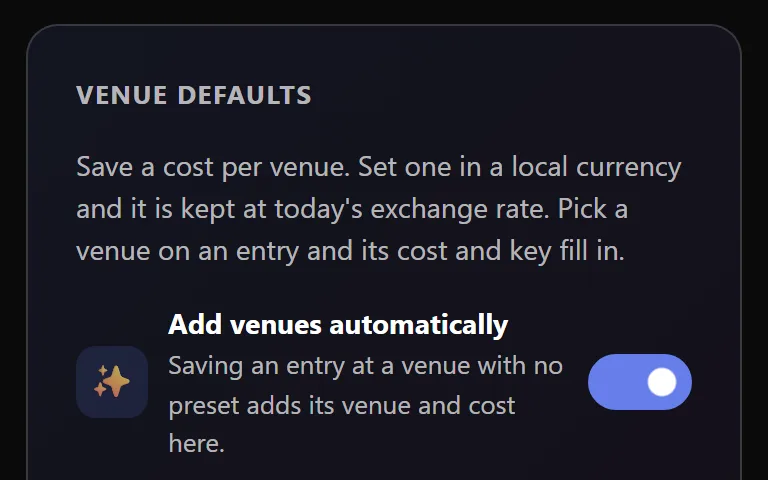
Settings › Defaults
Settings › Data
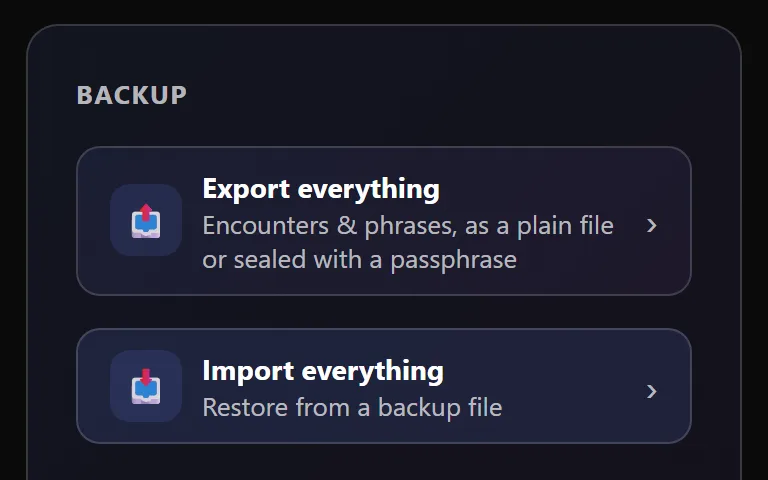
Backups
Export everything to a file you keep, and bring it back whenever you need it.
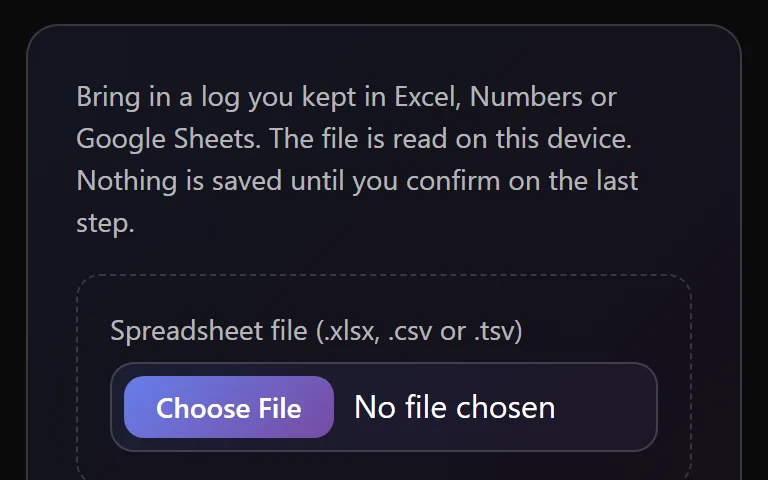
Spreadsheet import
Bring in the log you kept in Excel, Numbers or Google Sheets.
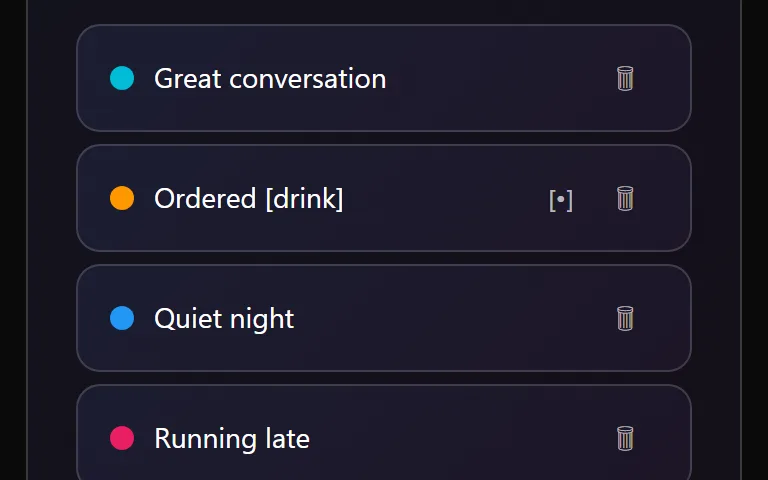
Quick Phrases
The notes you write again and again, written once, colored and picked for any entry from a list.
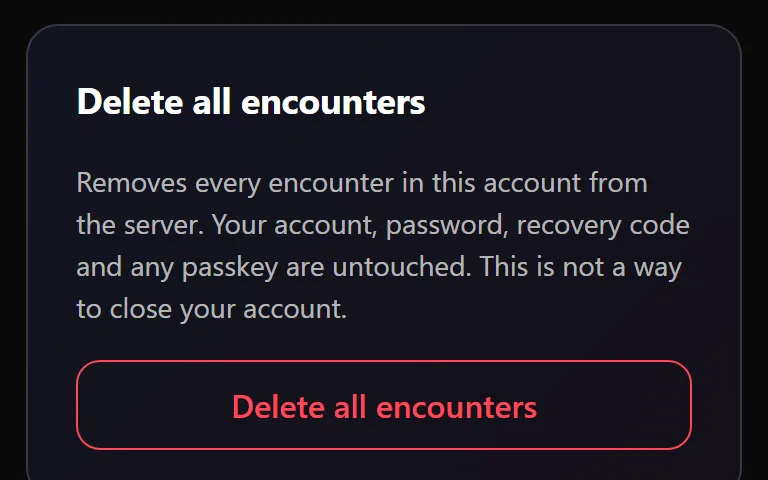
Delete all encounters
Clear every encounter at once and start again, keeping your account.
What does this mean?
It's in your pocket too
Notchcount works the same on your phone. Add it to your home screen and it opens in its own window, like any other app. See Install on your phone or computer.