How to record what you paid in another currency
Type what you paid in pesos, soles or reais, and see every total in the currency you think in.
 Notchcount.app · November 15, 2026 · 1 min read
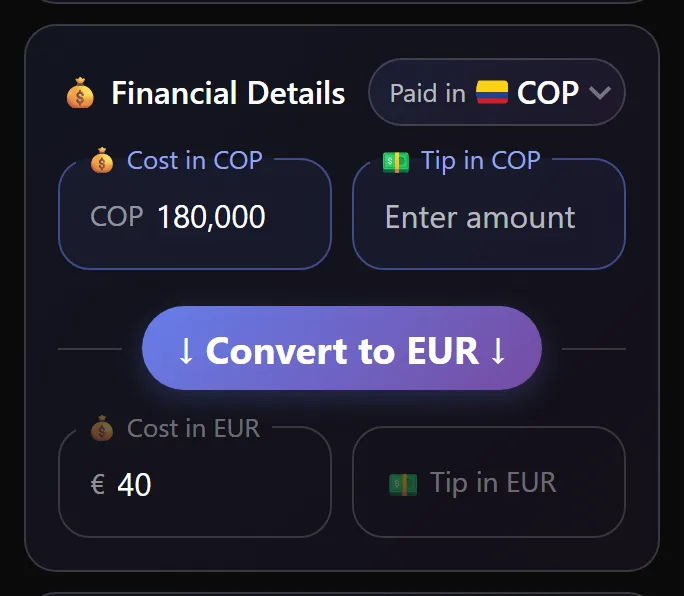
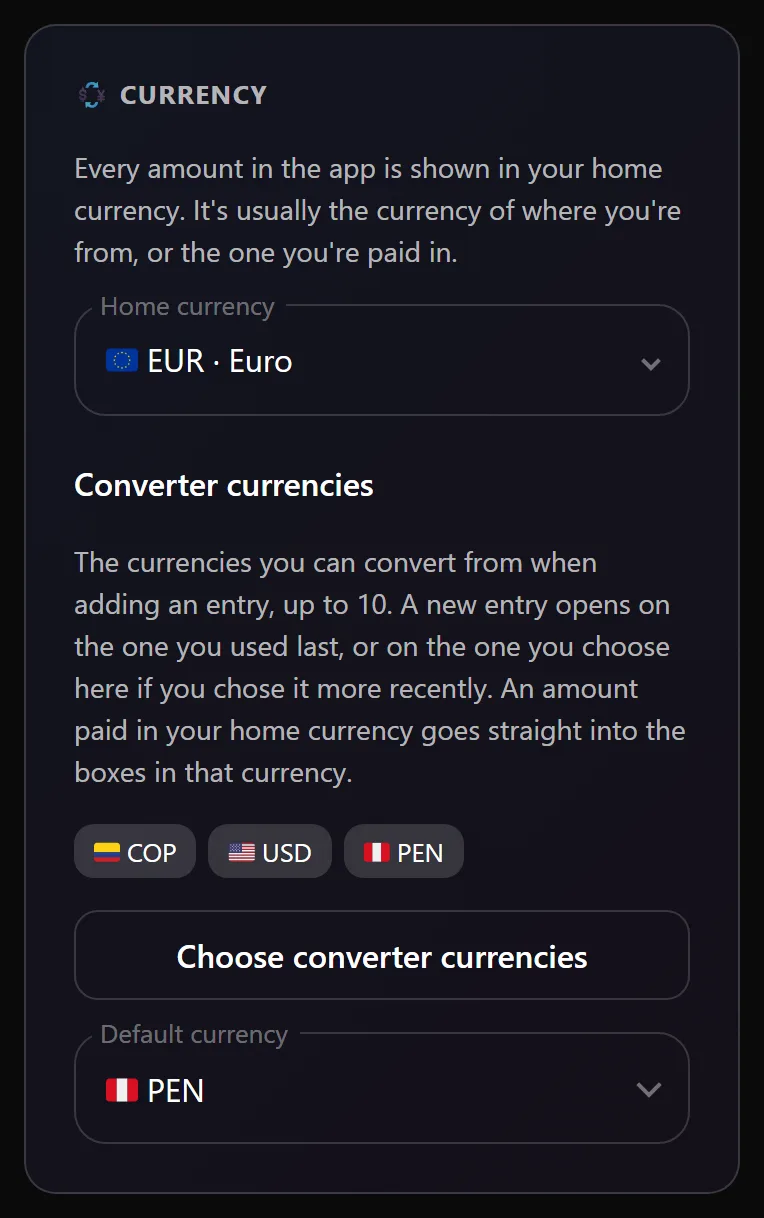
Notchcount is a private sex tracker, and many of the people who use it travel. A trip means amounts in a currency you do not think in, and totals that are hard to compare once you are home. Notchcount keeps both. Every entry remembers what you paid in the local currency and counts it in your home currency. Pay 180,000 Colombian pesos with euros as your home currency, and the entry keeps the pesos and counts the euros.
Choose your home currency first
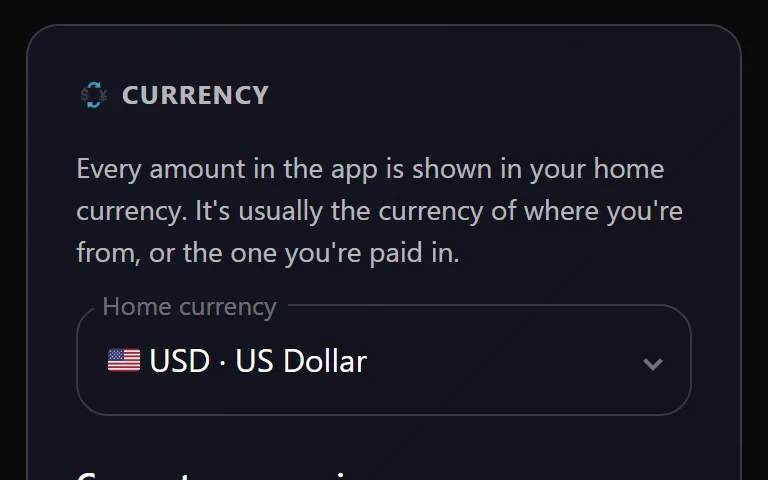
Your home currency is the one every total is shown in. A new account picks it the first time it opens, and you can change it later in Settings, under Defaults.
Record an amount in another currency
- Open an entry and find 💰 Financial Details.
- Pick the currency from the Paid in box at the top right of the card.
- Type the amount into 💰 Cost in and the tip into 💵 Tip in that currency.
- Choose Convert to with your home currency to see the converted figures, or simply save, and the app converts it for you.
Two things are worth knowing once it is saved.
- The boxes in your home currency show what the entry counts as, and under each one, from names what you paid.
- The conversion uses the rate for the entry's own date, not today's, so your totals do not drift from one visit to the next.
Switching your home currency later
Moving back home, or moving somewhere new? Switch your home currency in Settings and every total follows. Each entry keeps what it was before, so switching back is exact.