See everywhere you have been on one map
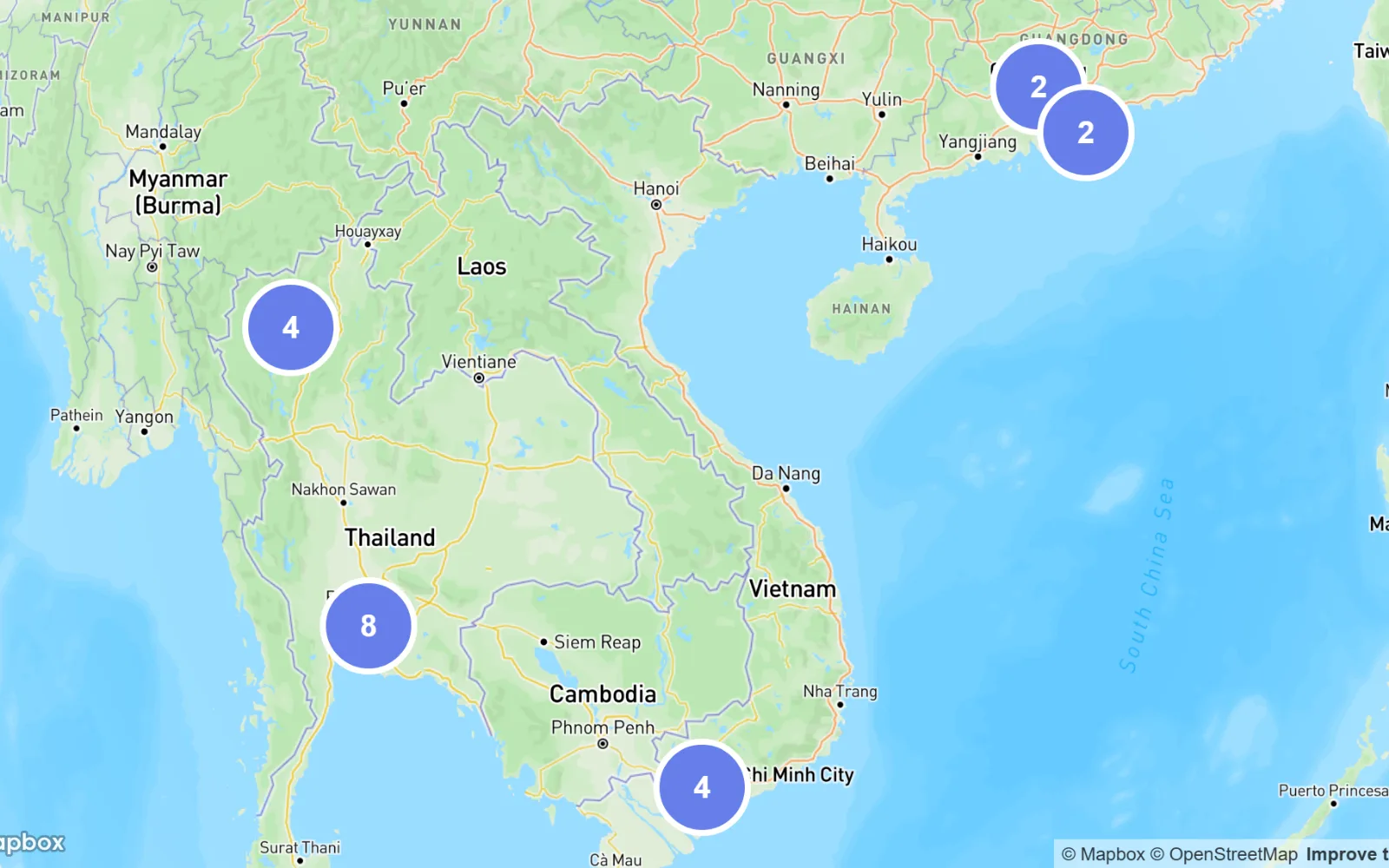
Every venue you have saved, on one map, grouped as you zoom and colored by visits or by cost.
 Notchcount.app · November 16, 2026 · 1 min read
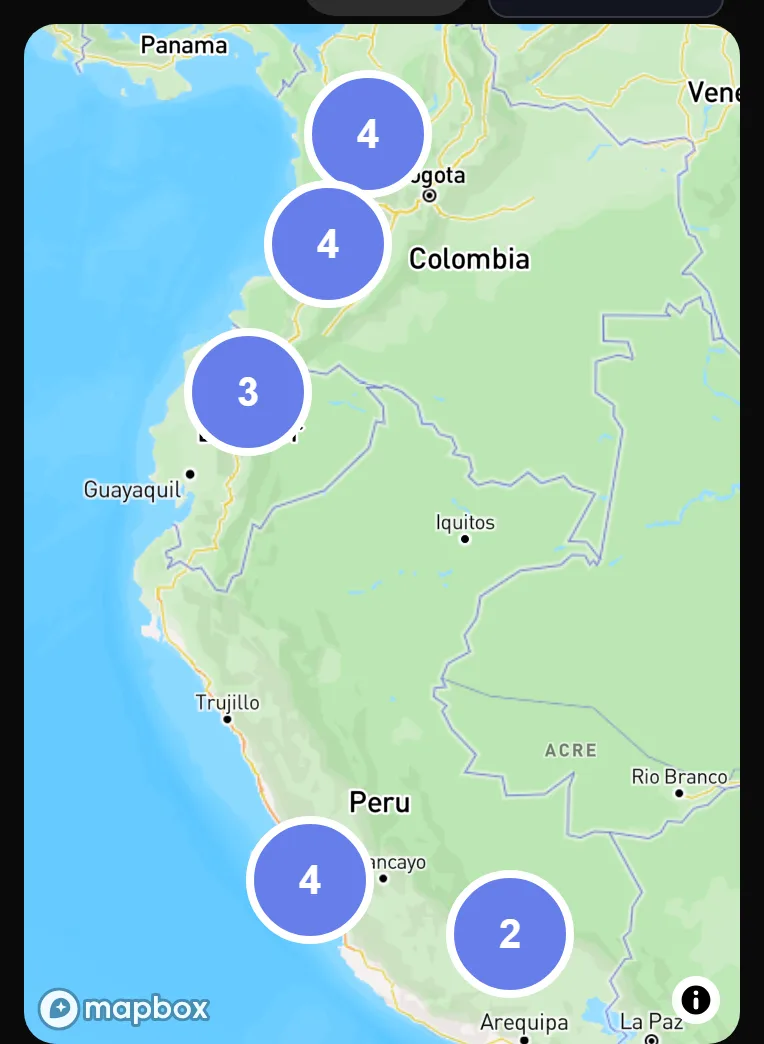
A list tells you what happened. A map tells you where. Notchcount draws every venue you have saved as a pin, so a trip, or a whole year, can be read at a glance.
Open the map
Open Stats and choose Maps under the dates. The map shows the venues of the range you set, and fits itself to them each time the range changes. The map needs a connection.
In the app
Open the mapSee the steps in the manual →Zoom, color and open a pin
- Groups. Pins too close to tell apart join into a circle with their count. Choose a circle to zoom in on the pins inside it. See Zoom into a group of pins.
- Color. Activity colors each pin by how many visits it has, and Cost by its average cost. Satellite swaps the street map for satellite pictures. See Color the pins.
- A pin's card. Choose a pin for its visits, its average rating, the latest date and the total spent, then open the venue's page or every visit behind it. See Open a pin's card.
Put a pin where it happened
On an entry, in Location and Venue, press GPS, then choose a spot on the map or drag the pin into place. Once a venue has a pin, a new entry there takes it by itself. See Pin where it happened.